Overview
The Protocol Exerciser mode allows you to generate, send, and receive protocol traffic for testing and debugging bus communications.
Protocol Exerciser transforms your TravelLogic device into a protocol generator and receiver. You can act as a controller, target, or both simultaneously, making it ideal for:
- Testing protocol implementations without full system
- Debugging communication issues
- Validating device responses
- Simulating missing components
- Automated protocol testing
Toolbar functions
Device and protocol selection
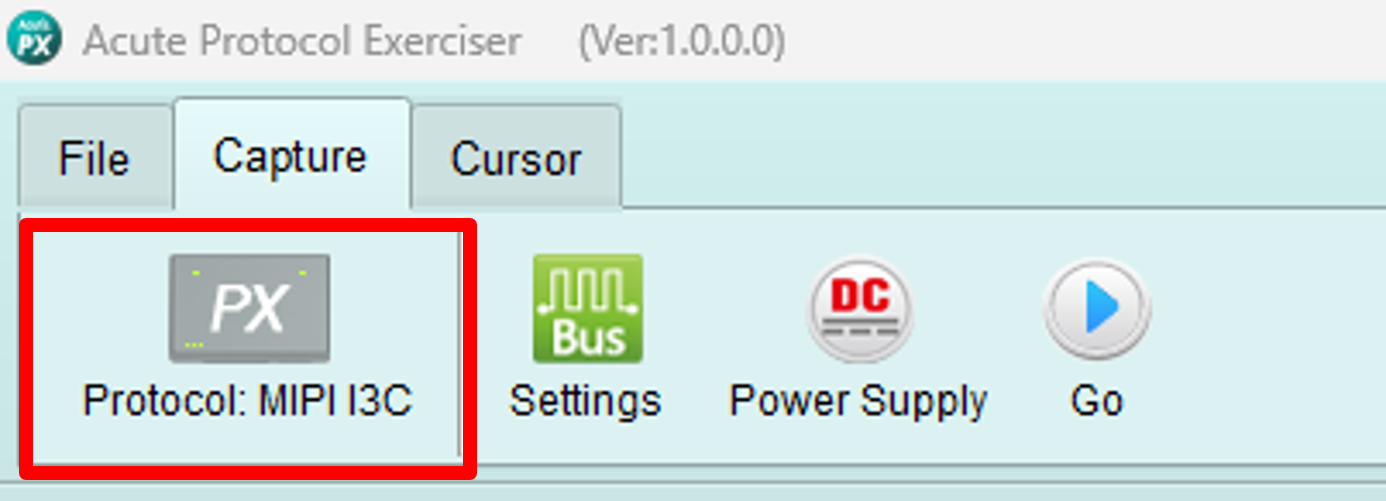
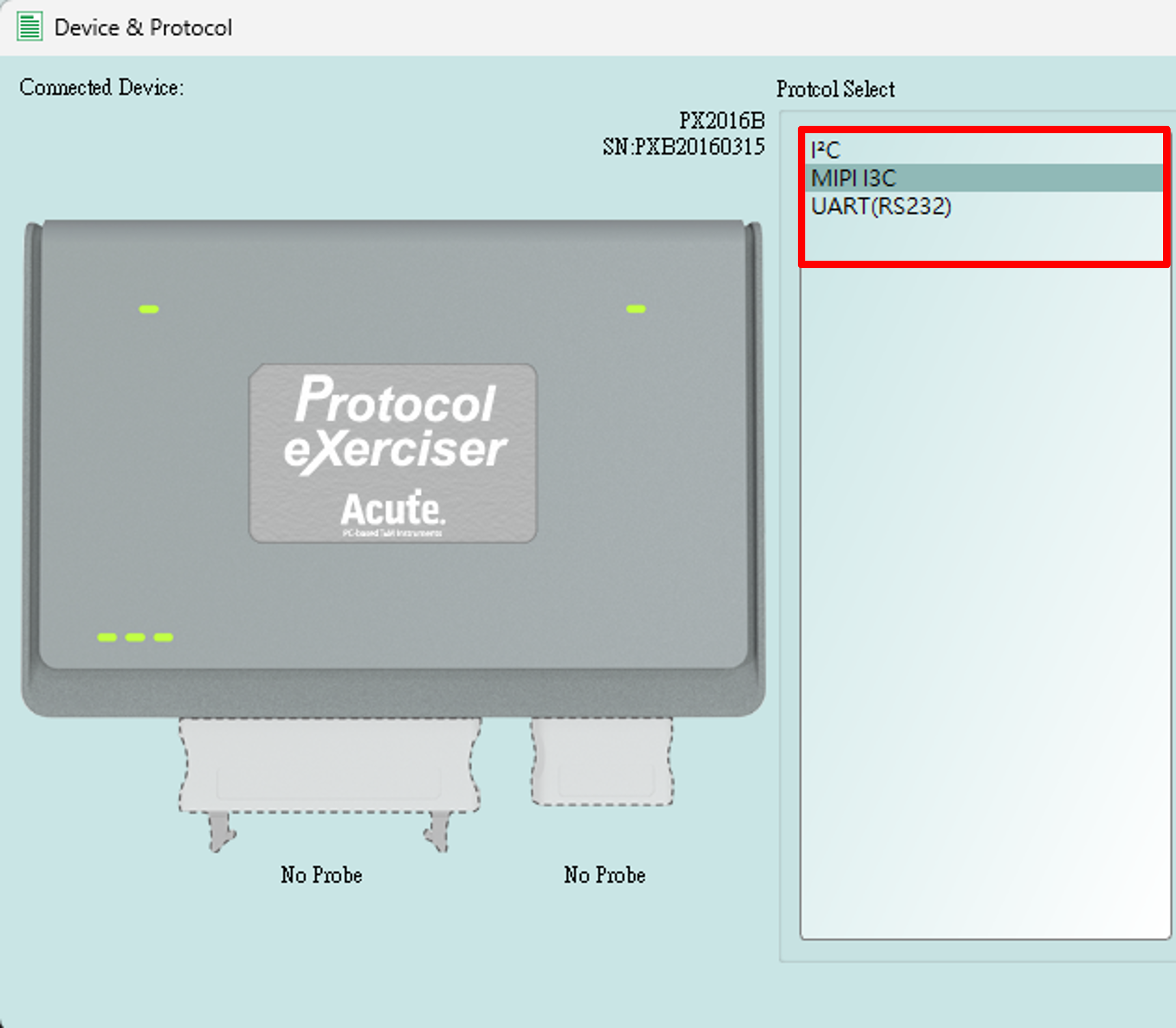
Select which protocol to use from the dropdown list. You can only use one protocol at a time.
Supported protocols:
- I2C
- MIPI I3C
- UART
Settings
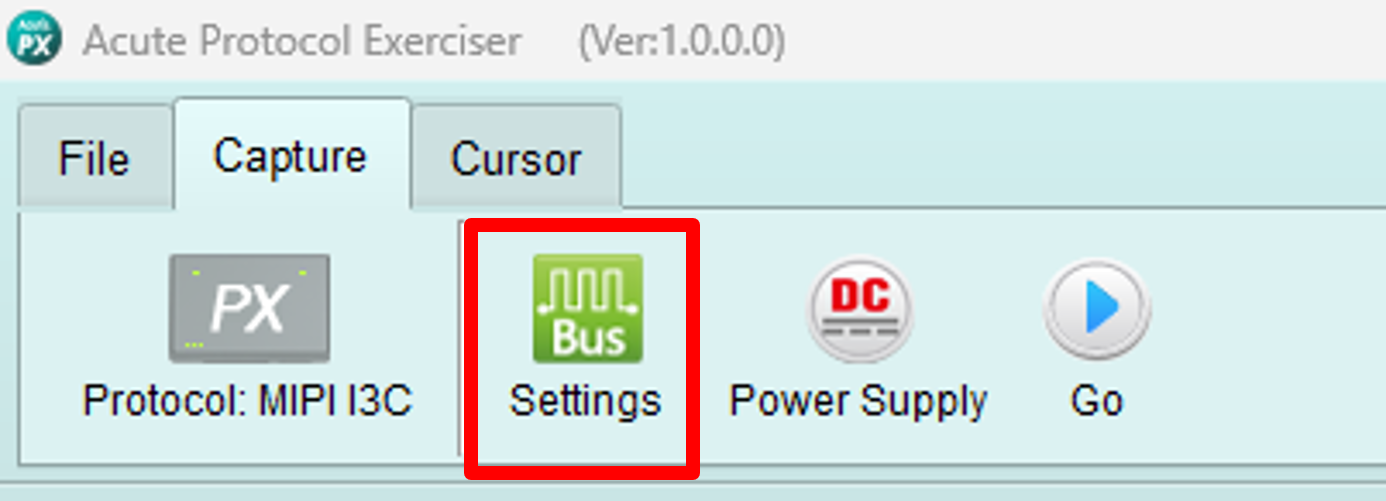
Opens the topology dialog for the current protocol. Configure bus topology, nodes, addresses, and communication parameters.
See protocol-specific documentation for detailed configuration:
Power supply
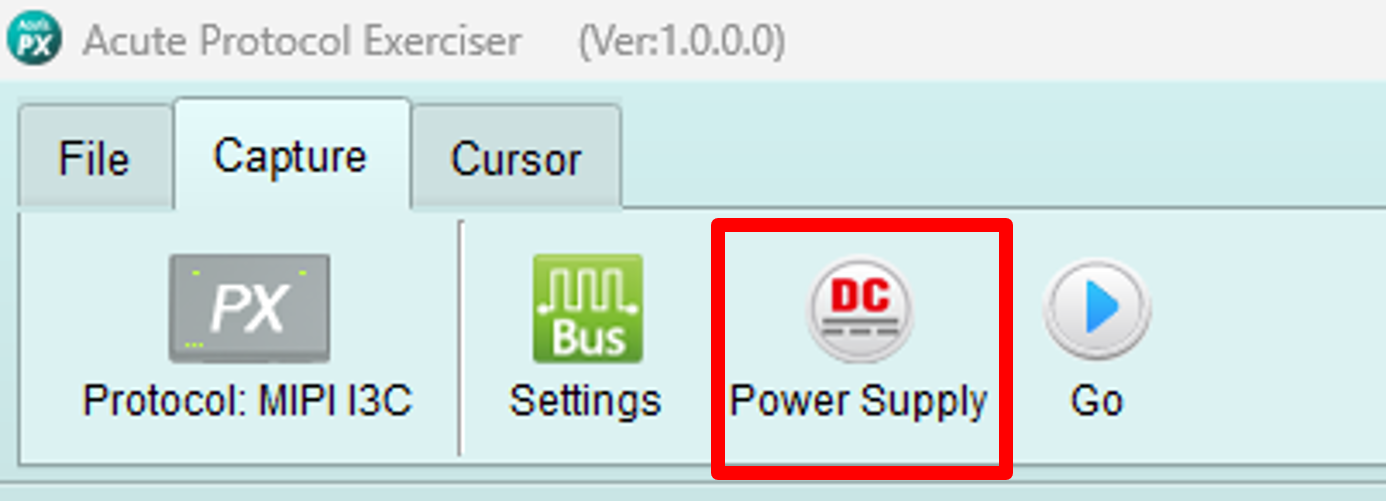
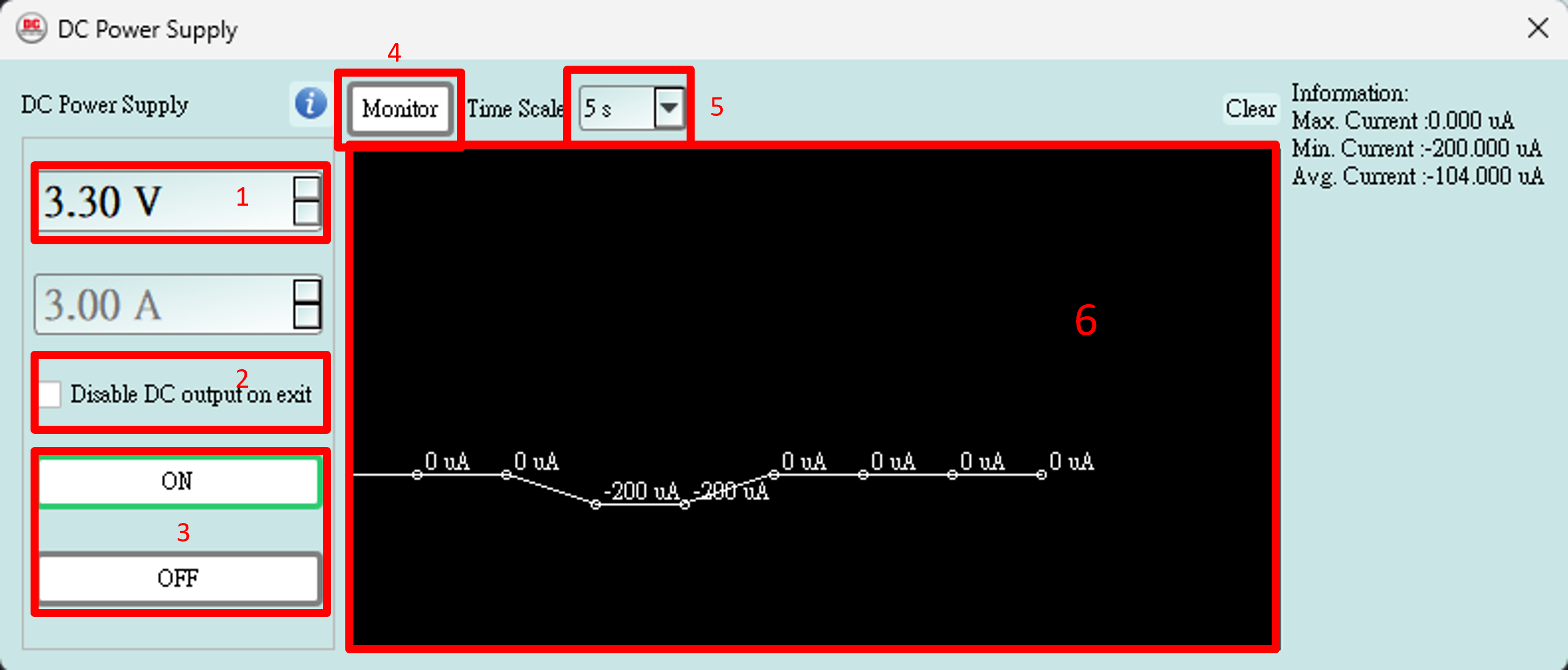
Control and monitor the DC power output while using Protocol Exerciser.
Controls:
- Set voltage value: Adjust output voltage for your device
- Auto-off on close: When checked, DC output turns off automatically when the dialog is closed
- DC output on/off: Enable or disable the DC output
- Monitoring on/off: Enable or disable voltage and current monitoring
- Monitoring time interval: Set how frequently to update measurements
- Monitor window: Displays real-time voltage and current readings
Features:
- Independent display window that can remain visible during operation
- Real-time monitoring of voltage and current
- Ensures proper power delivery to devices under test
Start/Stop capture
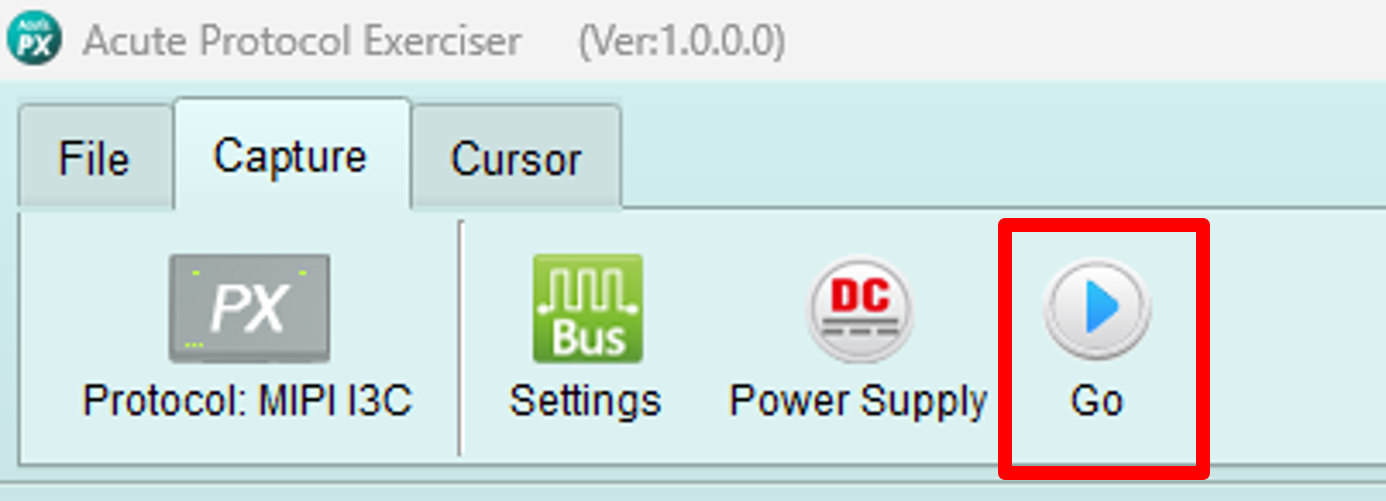
Start or stop Logic Analyzer and Protocol Analyzer capture operations.
Use this to:
- Capture traffic generated by Protocol Exerciser
- Record bus activity during testing
- Verify protocol transactions
- Debug communication issues
Wizard
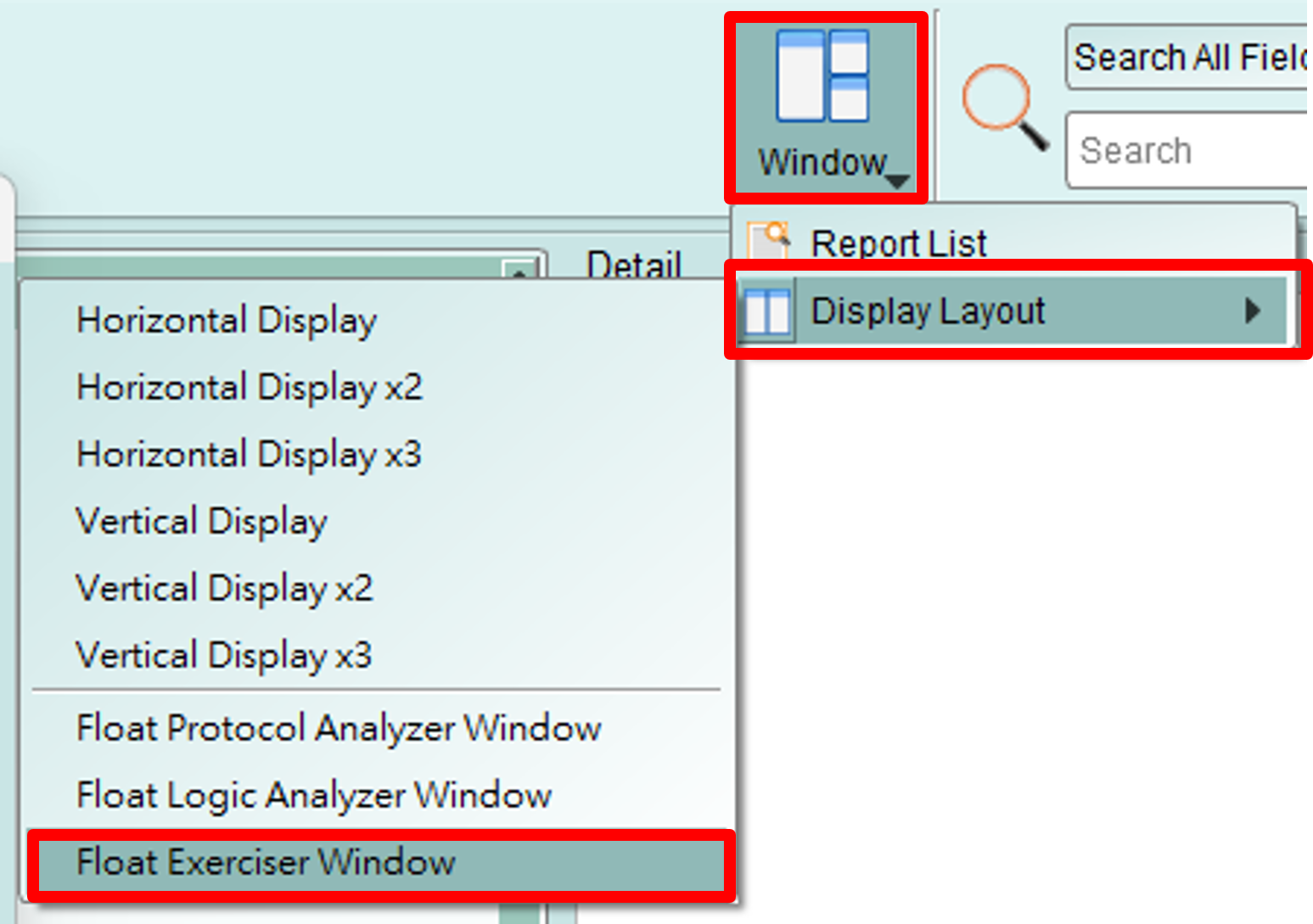
Opens the protocol wizard dialog for sending packets on the current protocol.
Each protocol has a specific wizard interface tailored to its features:
- I2C Wizard - Send READ/WRITE transactions
- I3C Wizard - Send CCC commands and transfers
- UART Wizard - Transmit UART data
Loop
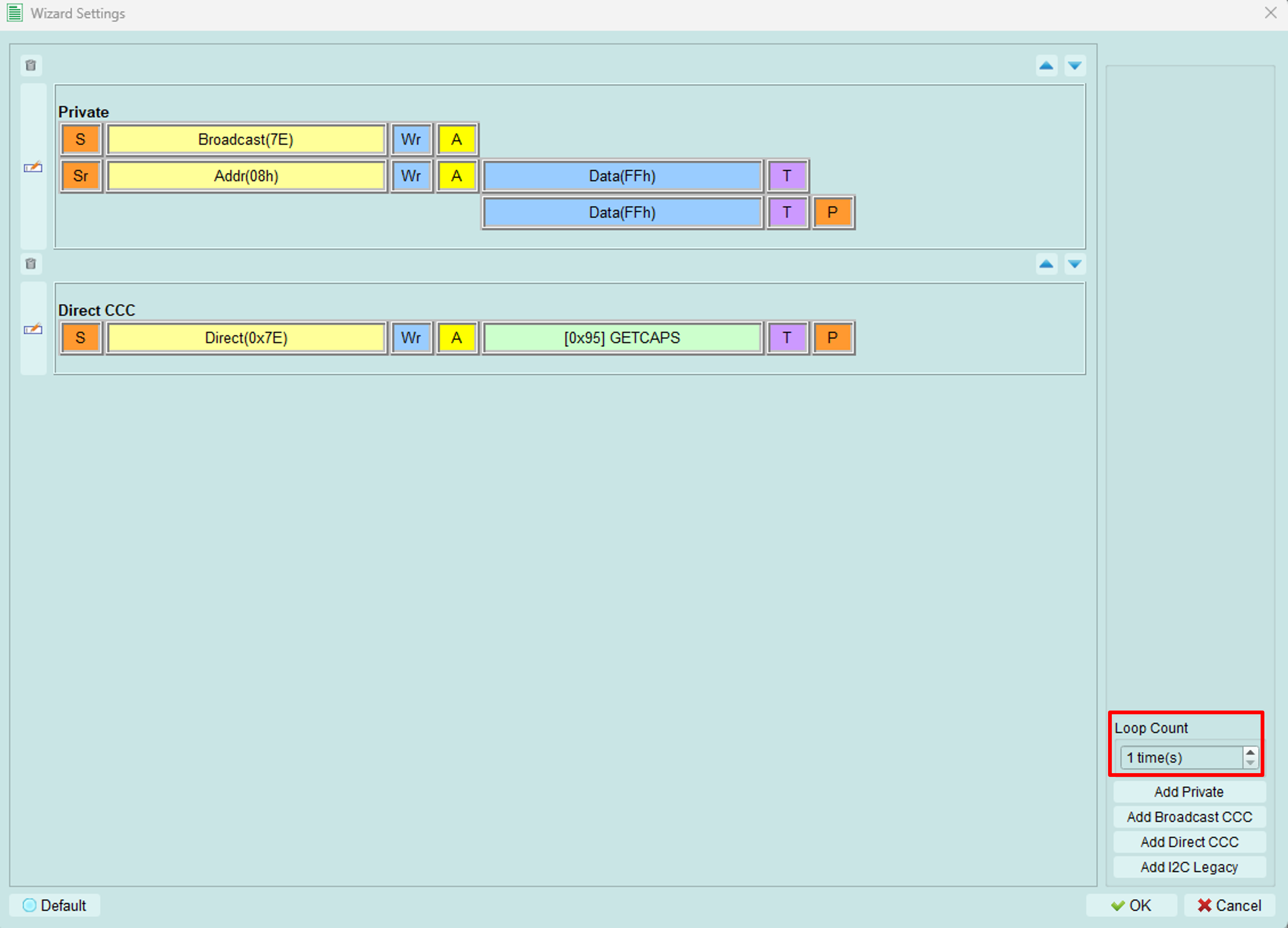
You can set a loop count to send the packets repeatedly.
The following uses I3C as an example.
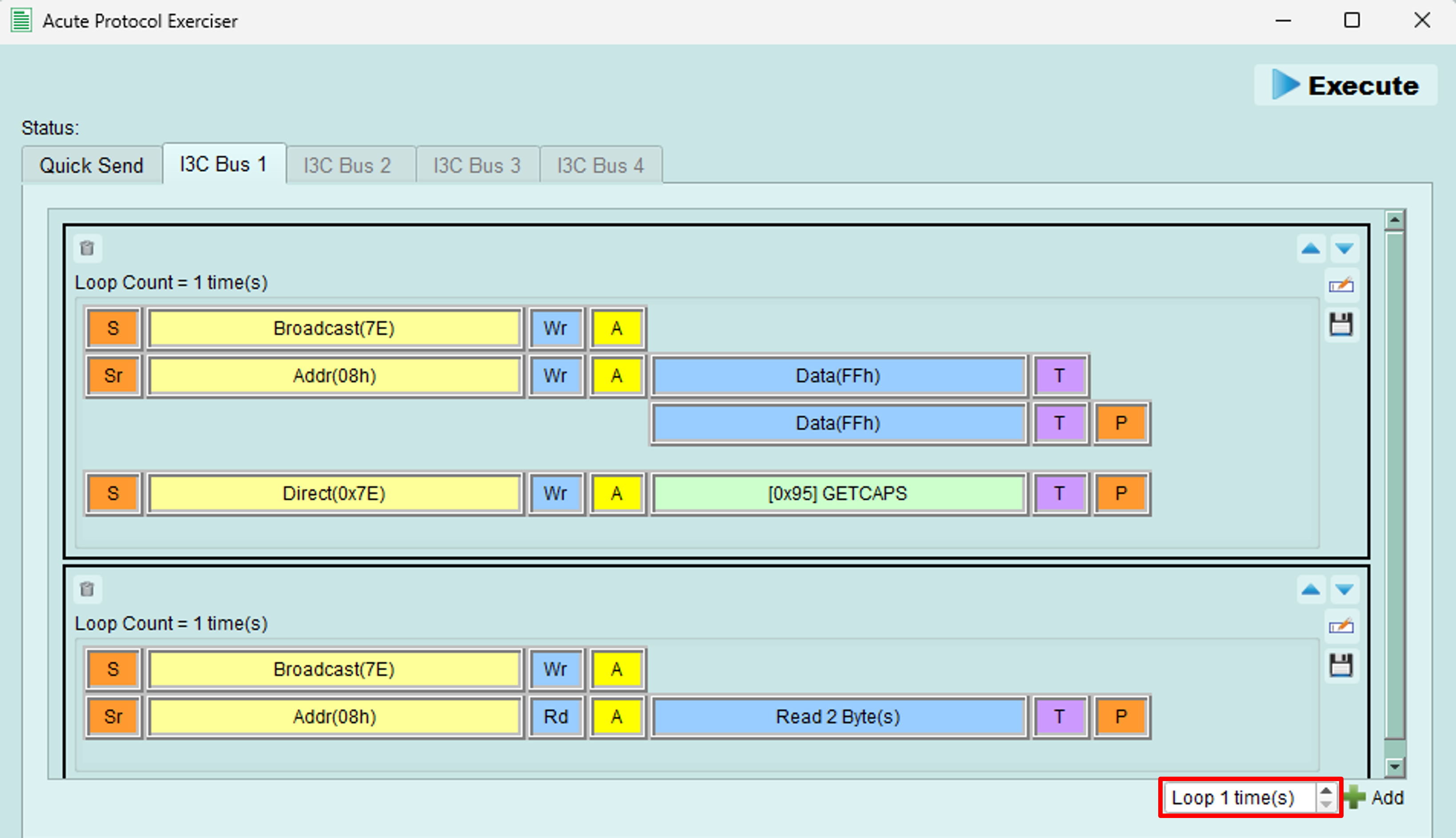
Set this value to loop all the packets (every black block).
Or loop just one group of packets (inside a single black block).
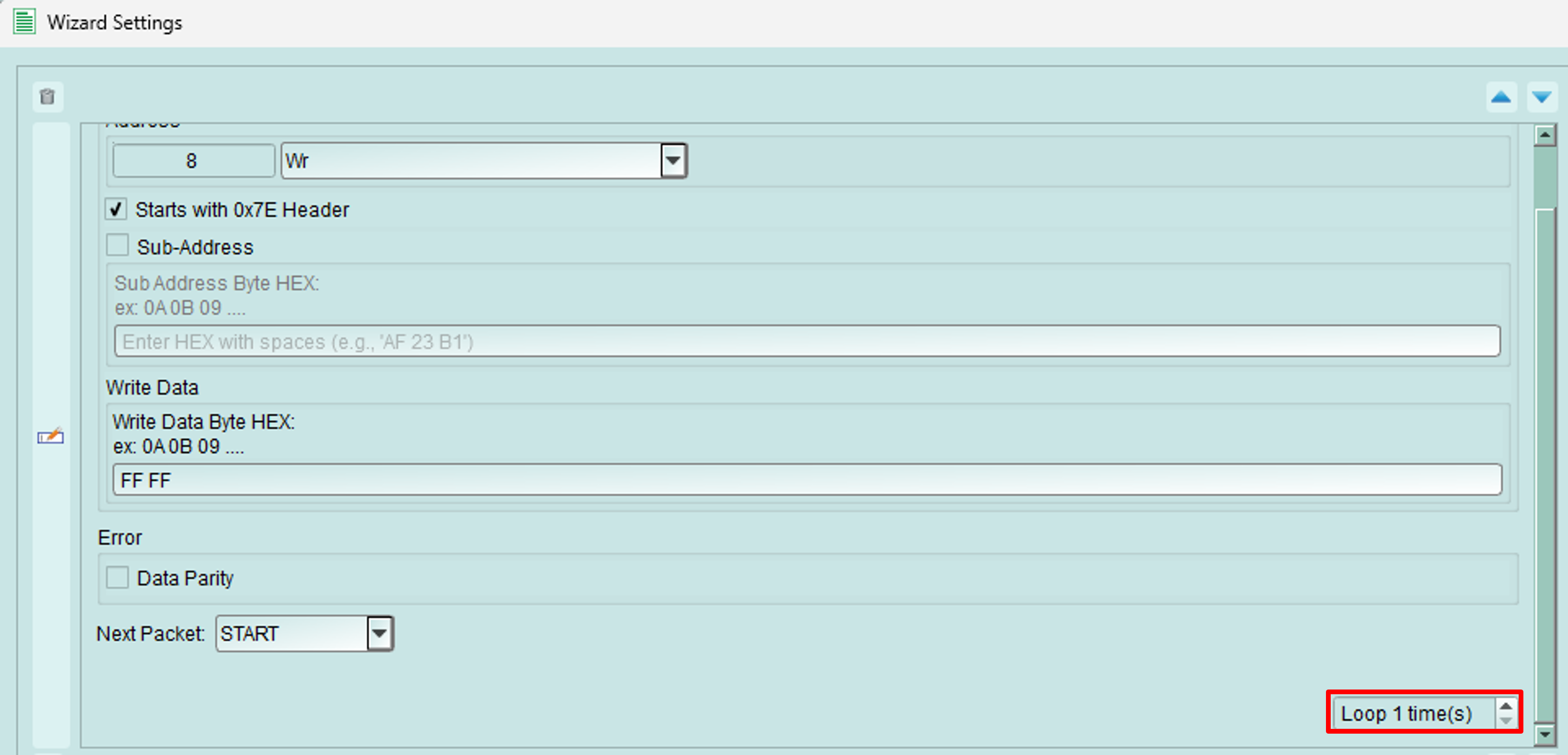
You can also loop a single frame.
Supported protocols
Protocol Exerciser currently supports the following protocols. Click each link for detailed documentation:
I2C
- Controller and Target modes
- 7-bit and 10-bit addressing
- Internal node simulation
- Quick send wizard
- Packet constructor
MIPI I3C
- Controller and Target modes
- Dynamic address assignment
- CCC (Common Command Codes)
- Broadcast and direct commands
- Advanced timing configuration
UART
Note: UART protocol documentation is in development.
Getting started
Quick start workflow
- Select protocol: Choose from the Device and Protocol dropdown
- Configure topology: Click Settings to set up bus configuration
- Optional - Enable power: Use Power Supply to power your device
- Start capture: Click Start Capture to begin recording
- Send packets: Use Wizard to generate protocol traffic
- Analyze: Review captured data in Logic Analyzer or Protocol Analyzer
Tips and best practices
Protocol selection
- Choose the protocol that matches your device under test
- Configure all settings before starting capture
- Test with known-good devices first to verify configuration
Power supply
- Always verify voltage requirements before enabling output
- Monitor current draw to detect shorts or connection issues
- Use auto-off feature to prevent accidental voltage application
Capture integration
- Start capture before sending packets to record complete transactions
- Use Protocol Analyzer for protocol-level decode
- Use Logic Analyzer for signal timing analysis