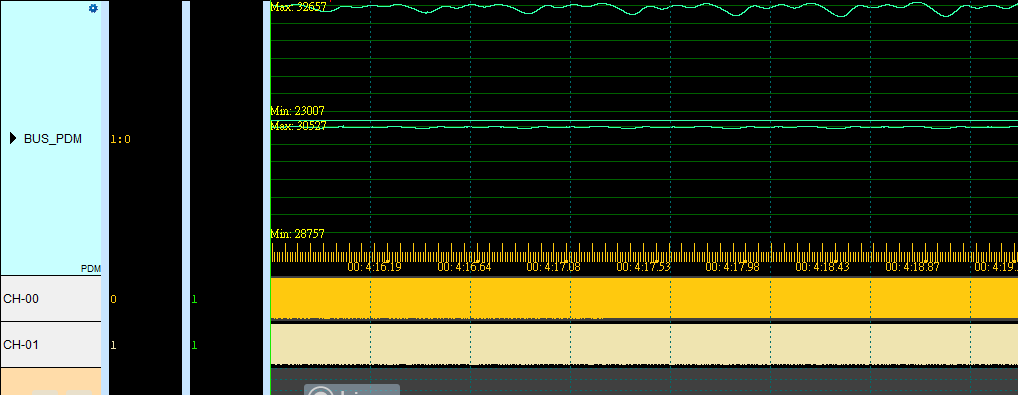
PDM (Pulse-Density Modulation)
PDM (Pulse Density Modulation) is a digital modulation technique mainly used for digitizing and transmitting audio.
Wrong mono/stereo, sample rate, or Decimation settings distort restored audio. For channel-prefix differences, see Settings.
Decode Settings
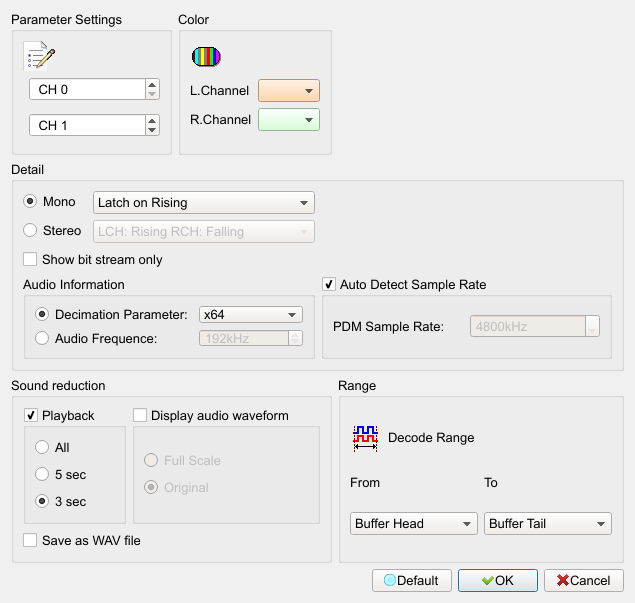
- Channel: Set Clk and Data channels.
- Detail:
- Mono & Stereo: Mono or stereo capture mode. Default is Mono (latch commonly Rising; Stereo latch often field disabled (Disable)).
- PDM Sample Rate: PDM clock rate; Auto Detect available. Default: Auto Detect checked; manual value commonly 4800.
- Decimation Parameter: Decimation ratio (x16–x2048), mutually exclusive with Audio Frequency. Default selects Decimation, commonly x64.
- Audio Frequency: PCM audio frequency (kHz). Field enabled (Enable) when selected. Default is not selected (value commonly 192 kHz).
- Sound reduction:
- Playback: Field enabled (Enable) when checked; duration 3 Sec/5 Sec/All. Default: playback checked, duration 3 Sec.
- Display audio waveform: Field enabled (Enable) when checked; draw Full Scale or Original. Default: display unchecked; draw Original.
- Save as WAV file: Save restored audio as .wav. Field enabled (Enable) when checked. Default is unchecked.
Result
Normal mode report
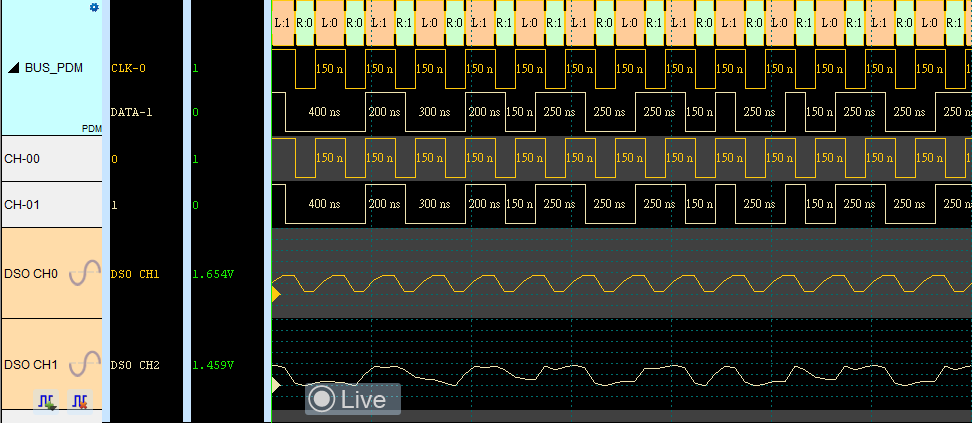
WAV mode report