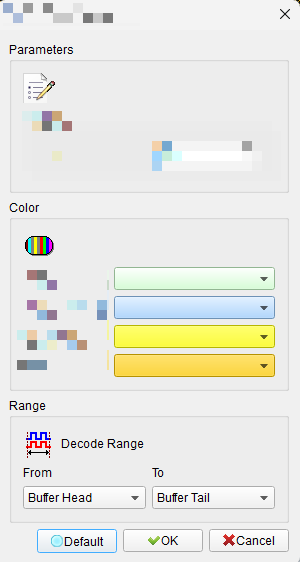
Advanced channel settings
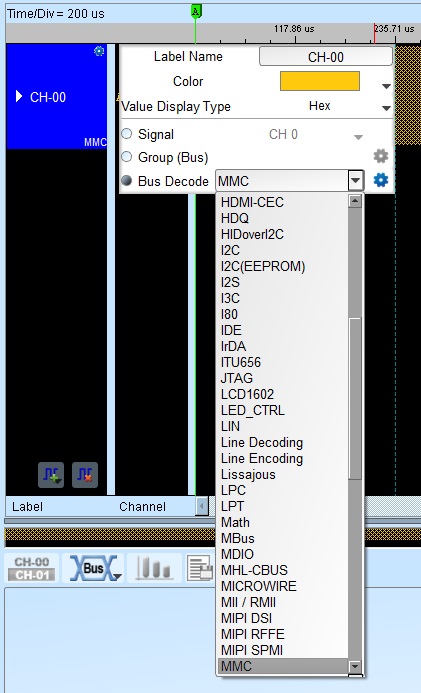
Bus Name: Enter a label name of 31 characters or fewer. (A Chinese character counts as two.)
Color: Set the waveform color.
Display the waveforms with decode: Show the waveforms together with their decode.
Advance:
Set the decode parameters, or press OK to use the default settings. The available settings are Channel/Parameter, Color, and Range.