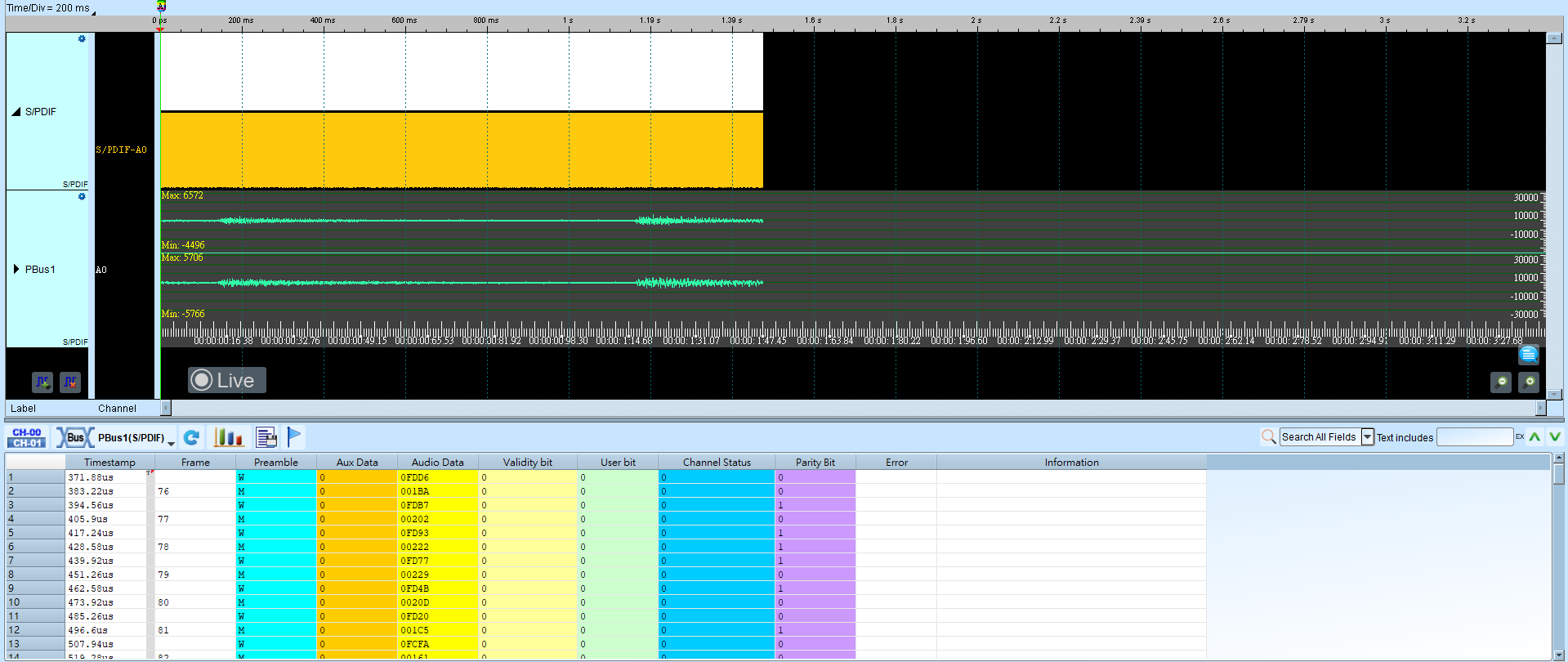
S/PDIF (Sony/Philips Digital Interconnect Format)
S/PDIF (Sony/Philips Digital Interconnect Format) is a digital audio interface over copper or optical fiber. It is derived from AES/EBU with simplifications for lower-cost hardware.
Wrong Bit Rate/Frame count/parity/data format settings cause decode or playback issues. For channel-prefix differences, see Settings.
Decode Settings
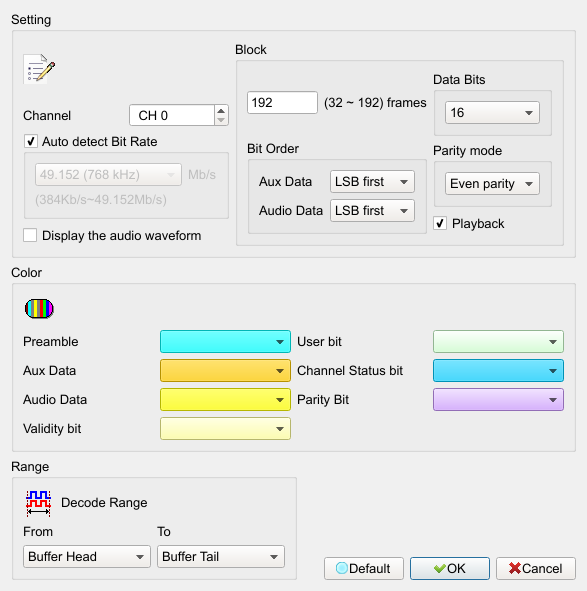
- Channel: Assign the S/PDIF signal channel.
- Auto detect Bit Rate: Automatically detect source bit rate (about 384 kb/s–12.288 Mb/s). Field enabled (Enable) when checked; when cleared, select a built-in bit rate. Default is checked.
- Num of frame: Frames per block, used to order sub-frames and decode User/Channel status bits. Default is 192.
- Bit Order (Aux. Data): LSB first or MSB first. Default is LSB first.
- Bit Order (Audio Data): LSB first or MSB first. Default is LSB first.
- Data format: 16/20/24 bits. Default is 16.
- Parity mode: Even/Odd/Non parity. Default is Even parity.
- Playback: Collect sub-frames and play audio after analysis. Field enabled (Enable) when checked. Default is checked.
- Display the audio waveform: Draw the audio waveform in the Waveform Window. Field enabled (Enable) when checked. Default is unchecked.
Result
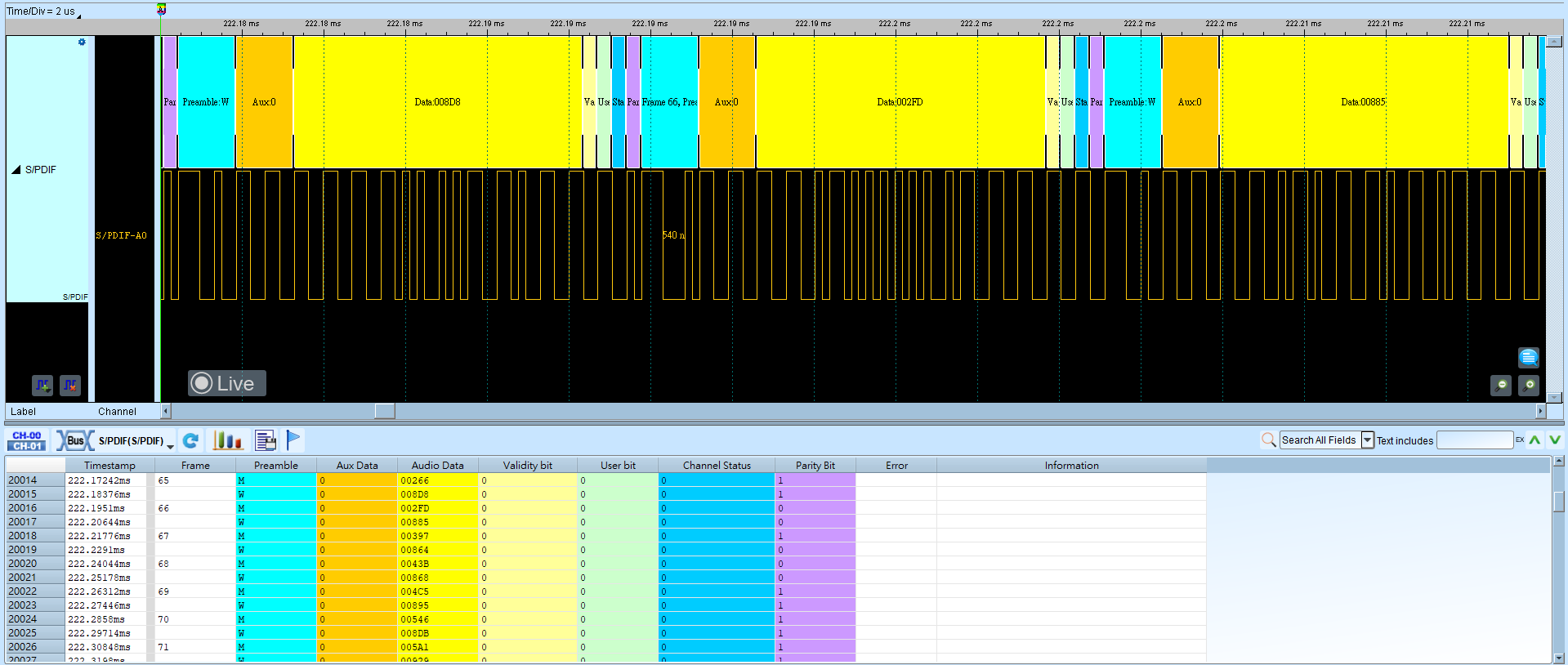
With waveform drawing: